
HOSPITALITY OPERATIONS SOFTWARE

Run every site from one clear view.

Manage orders, menus, promotions, loyalty and store settings across every location, without switching between disconnected systems.

ONE CONSOLEEvery site, one clear view
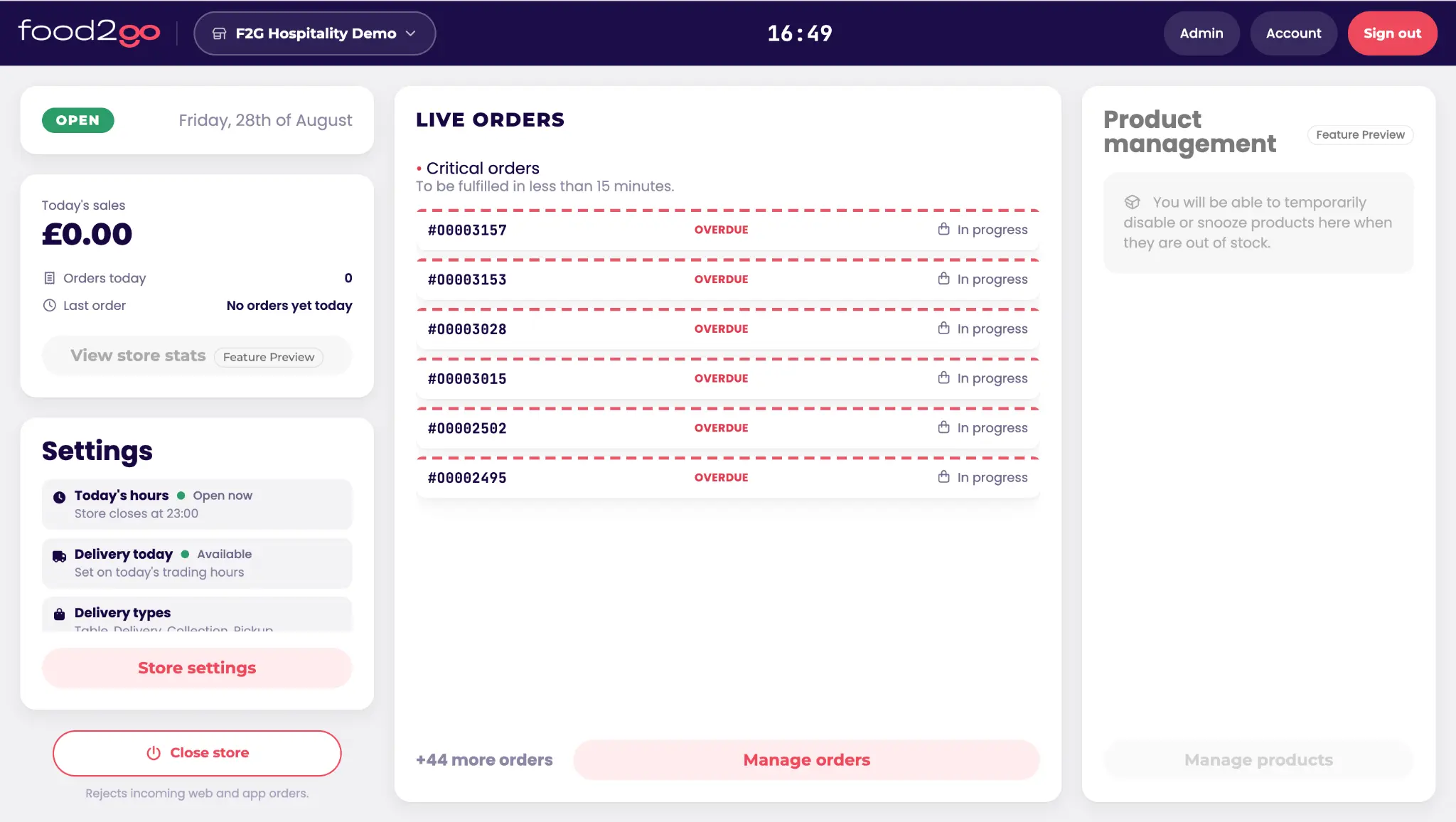
food2go Ops Console live orders and location dashboard on desktop
food2go Ops Console order management view on a laptop
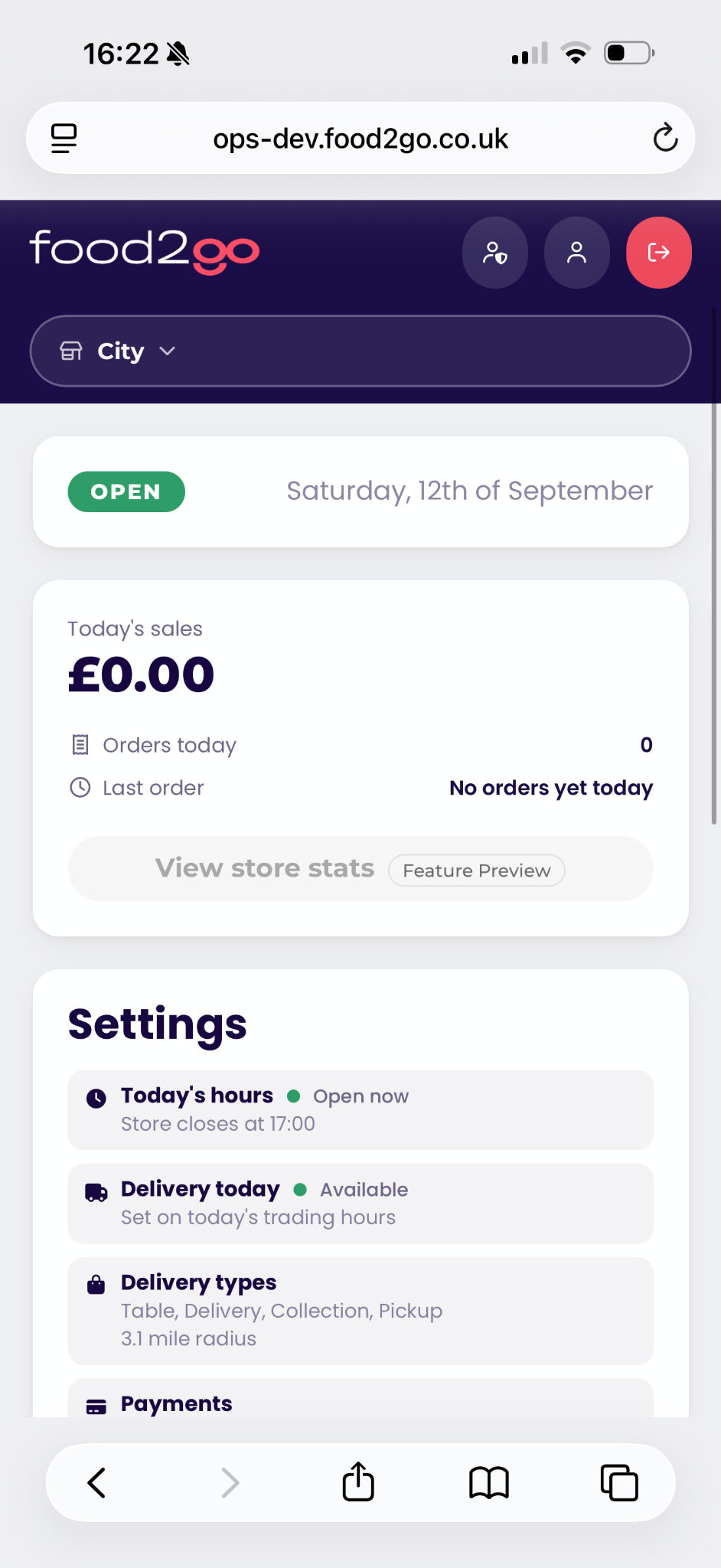
food2go Ops Console dashboard
ONE OPERATIONS CONSOLE

See the Ops Console around your locations and workflows.

Select a capability to see how powerful central controls stay clear and easy for teams to use every day.

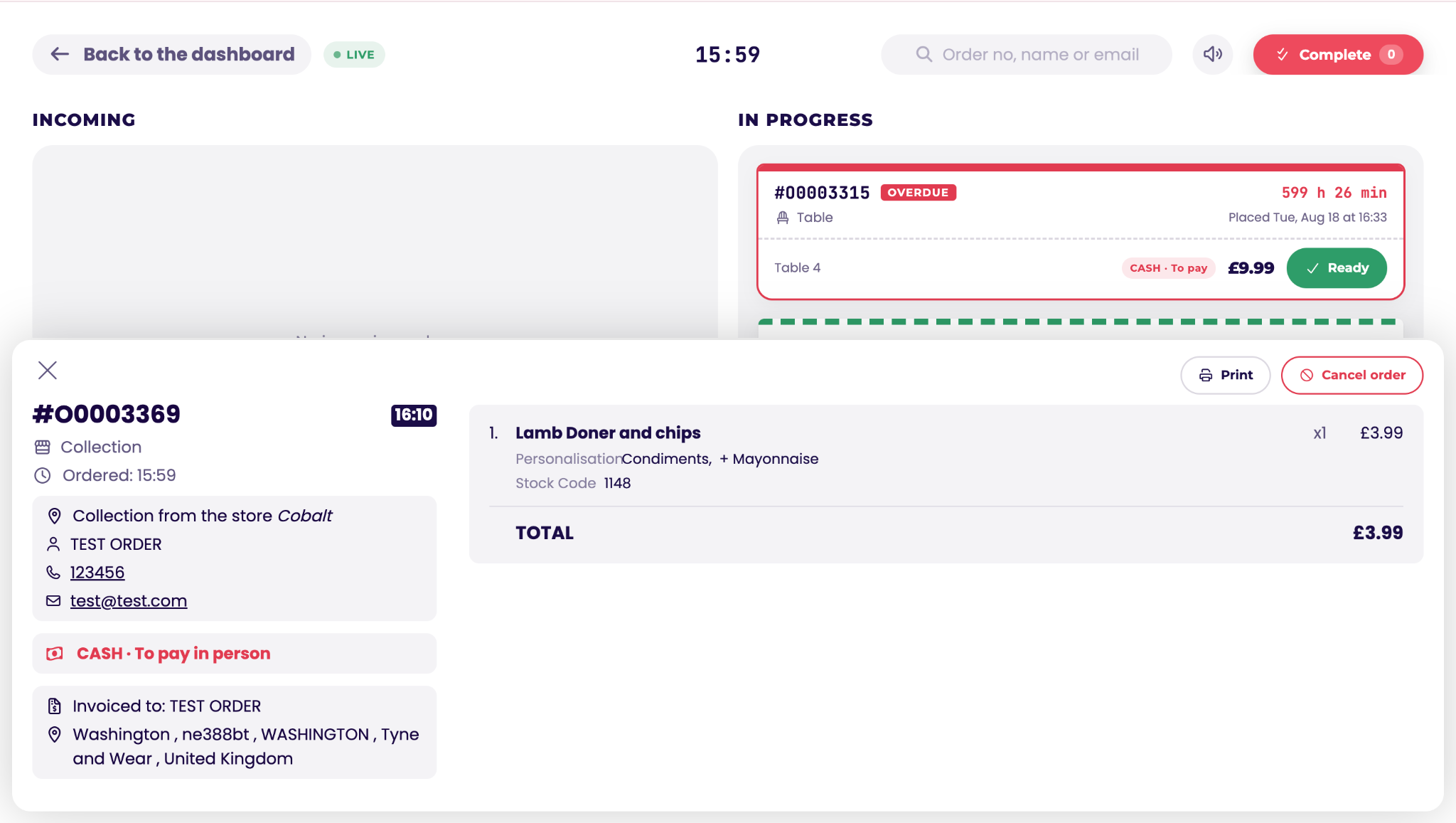
food2go Ops Console showing a live order and its full order details
ORDER CONTROL

Keep every order moving.

Open the full order, review customer and fulfilment details, then update its status from incoming through to collection, delivery or completion.

  • Live order queue and detail
  • Clear fulfilment actions
  • Works alongside supported EPOS integrations
+
CONNECTED OPERATIONS

Works alongside your EPOS setup.

With a supported EPOS integration, online orders can pass directly into the till workflow while the Ops Console provides central visibility and control. Without an integration, teams can manage orders directly through the console.

Explore integrations

Ops Console FAQs

Can we manage multiple locations centrally?

Yes. The Ops Console gives head office a shared view while retaining location-level settings for menus, services and trading rules.

Does it work without an EPOS integration?

Yes. Orders can be managed directly in the Ops Console. Supported EPOS integrations add a connected till workflow where required.

What store settings can teams control?

Settings can include opening and service hours, order types, lead times, collection and delivery slots, delivery charges and payment options.

Can teams use it away from a desktop?

Yes. The responsive interface can be accessed through a modern web browser on desktop, tablet or mobile.